
IPTV Guides for All Devices & Apps
Choose your device or IPTV app and follow our step-by-step guides. IBOO IPTV works with Fire Stick, Android, iPhone, Smart TV, IBO Player, XCIPTV, Smarters Pro and more – fully optimized for fast, stable streaming.
Select your IPTV guide
Click on the guide that matches your device or player. Each tutorial explains how to add your IBOO IPTV line, use Xtream Codes or M3U, and get the best streaming quality.
For Android Devices – Direct APK Install (Fastest Method)
Step-by-step guide to install IPTV via APK on Android TV, phones and TV boxes, using Xtream Codes or M3U for the fastest and most stable Android IPTV experience.
For iPhones – Official App Store Download & Go
Discover the best IPTV apps for iPhone, how to download them from the App Store and connect your IBOO IPTV account securely in a few minutes.

IBO Player – Simple MAC Address Activation
Full IBO Player tutorial: find your MAC address, activate your IBO Player with IBOO IPTV, and load your playlist for a premium Smart TV IPTV experience.

XCIPTV – Dedicated Android Player Setup
Learn how to configure XCIPTV on Android devices with Xtream Codes login, enable EPG and VOD sections, and use it as your main IPTV player with IBOO IPTV.
For PC – Smarters Pro: Most Popular Player
IPTV Smarters Pro guide for Windows & Mac: install the app, enter your IBOO IPTV Xtream Codes, and watch live TV & VOD on your computer.

Set IPTV – MAC Activation on Smart TVs
Step-by-step Set IPTV MAC activation for Samsung, LG and other Smart TVs using your IBOO IPTV line and secure web-portal upload.

Xtream Code API – Standard Universal Login Guide
Universal Xtream Codes guide that works with most IPTV apps. Learn where to place server URL, username and password for IBOO IPTV on any compatible player.

For Laptops – Smarters Lite & Pro, 5-Min Setup
Optimised IPTV setup for laptops using Smarters Lite & Pro from official stores, including best settings for stable streaming on Wi-Fi.
For iPads – Smarters Lite & Pro, 5-Min Setup
Learn how to install IPTV Smarters on iPad from the App Store, add your IBOO IPTV line, and sync your playlists across devices.
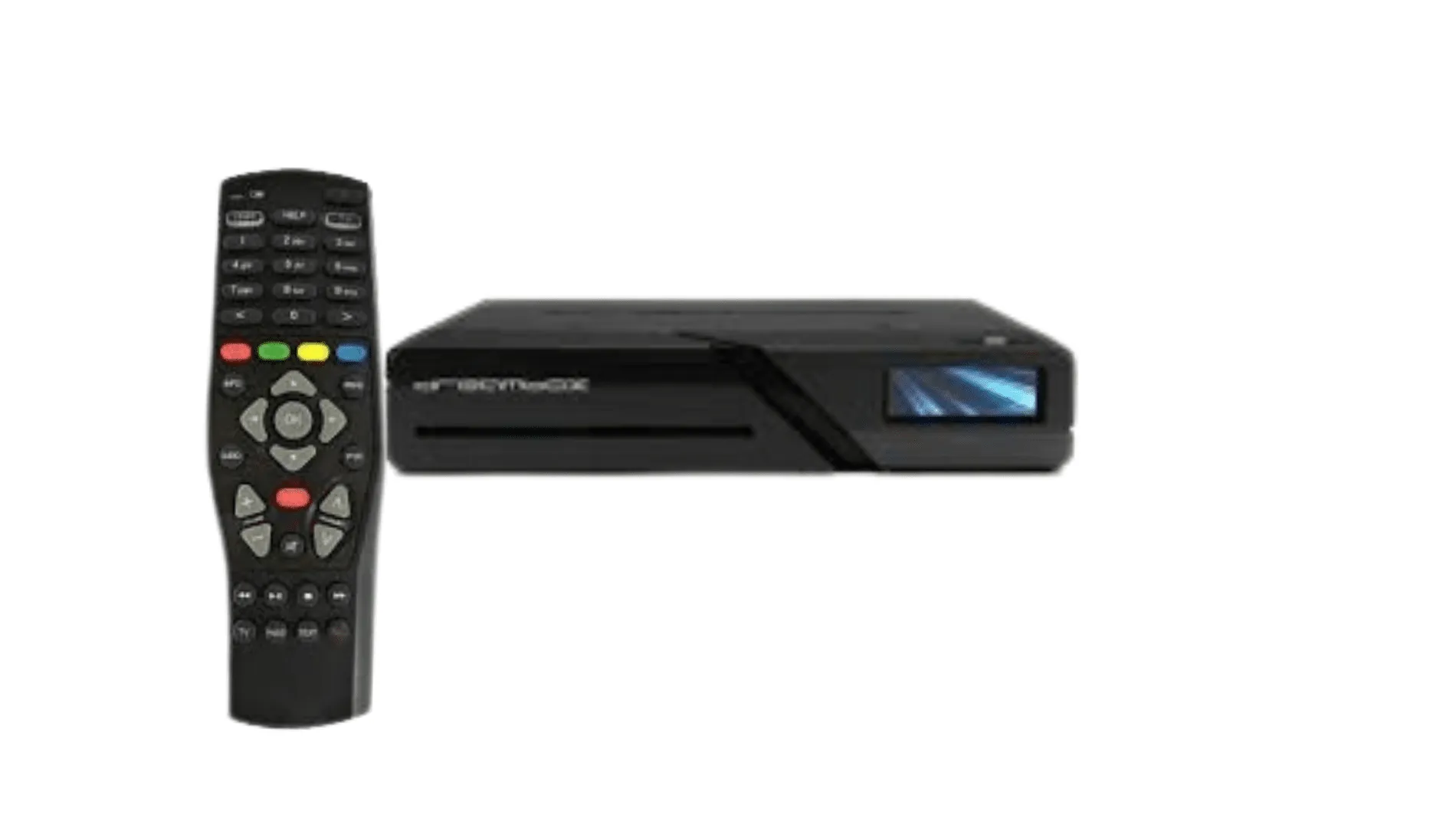
DreamBoxes (AndroidBoxes) – Google Play Store Install
Guide for DreamBox-style Android receivers: choose the right IPTV app from Google Play, connect your Xtream Codes and optimise performance.
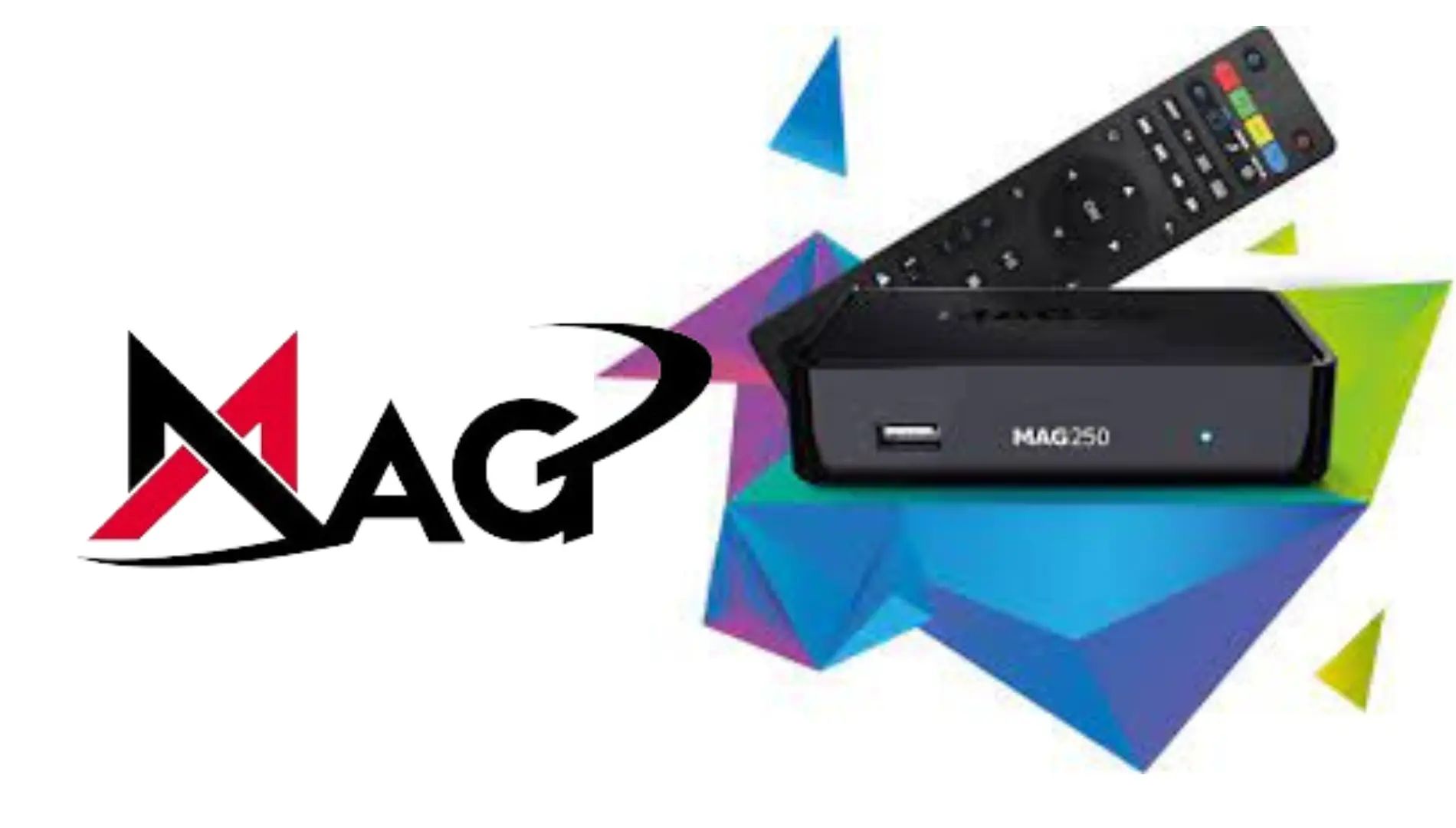
Mag Box – Secure MAC Portal Setup
How to use your MAG box with IBOO IPTV: portal URL, MAC registration and secure IPTV settings for a stable experience.
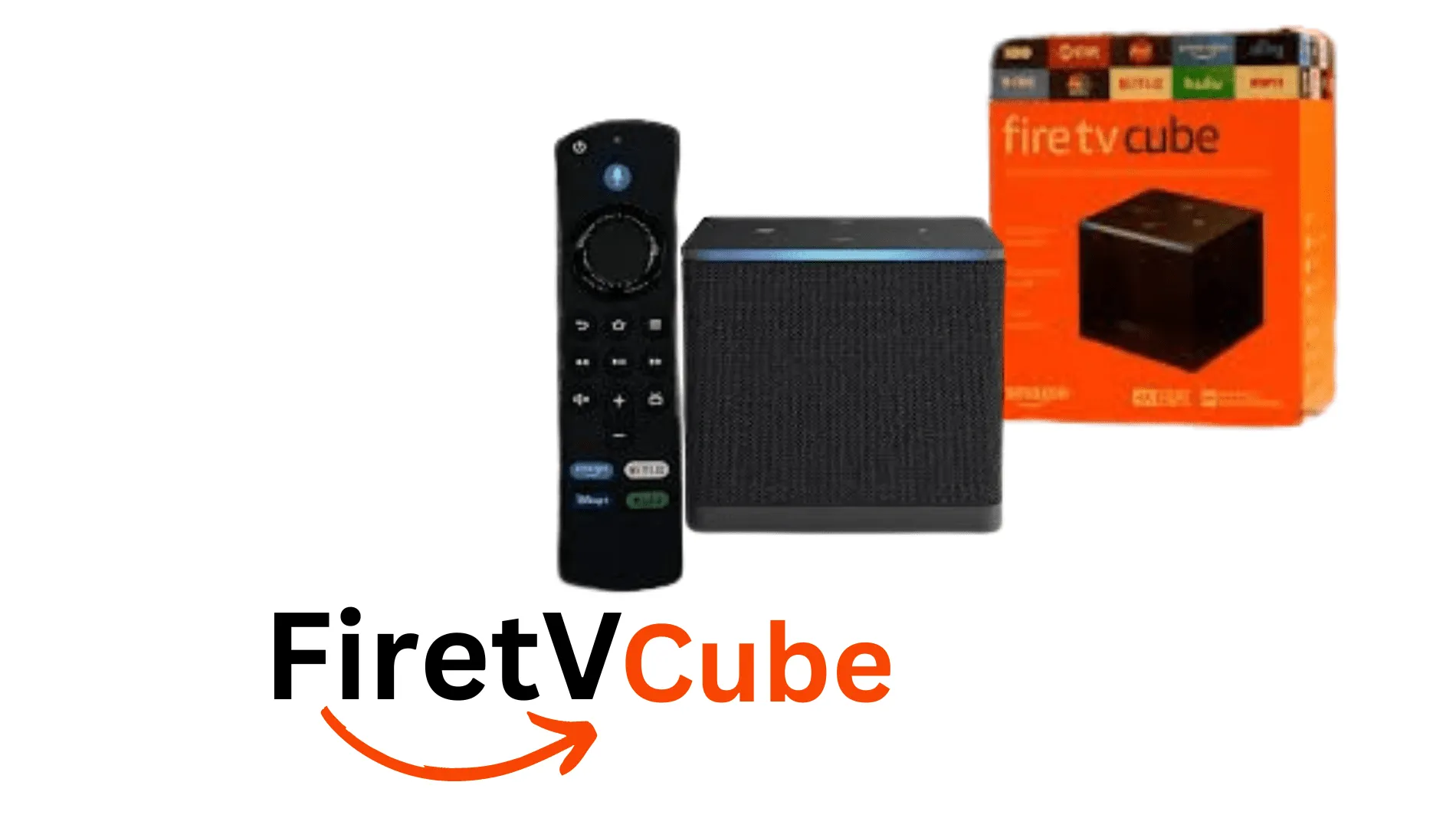
Fire TV Cube – High-Speed, 4K Setup Guide
Optimise IBOO IPTV on Fire TV Cube with 4K support, fast zapping and audio/subtitle settings for movies and live sports.
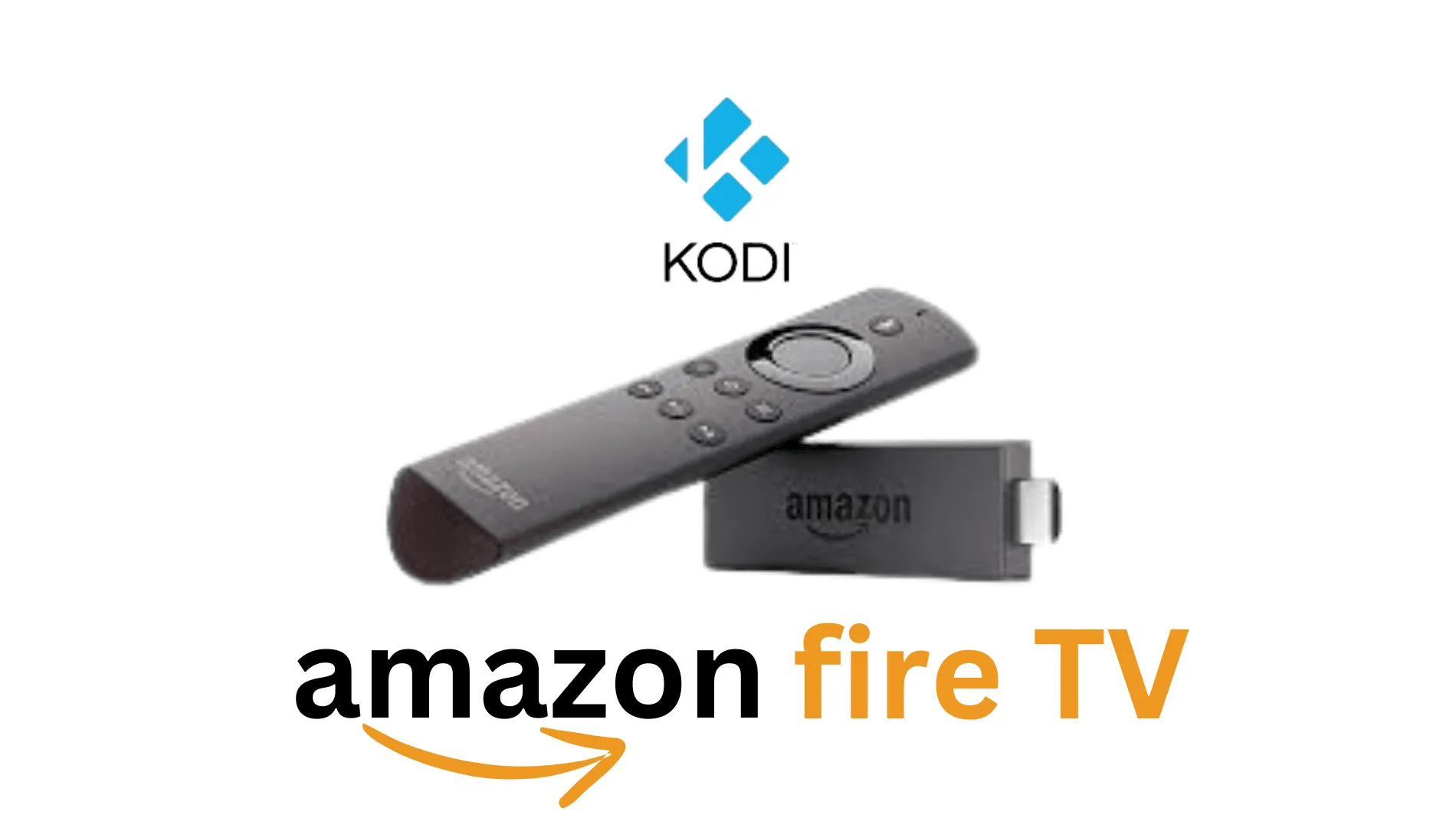
Amazon Fire TV – High-Speed, 4K Setup Guide
Complete Amazon Fire TV IPTV configuration: install your favourite player, add IBOO IPTV account and enable 4K playback where available.

Smarters Pro – Most Popular Player, 5-Minute Setup
IPTV Smarters Pro setup tutorial for IBOO IPTV: add Xtream Codes, configure EPG, VOD, multi-screen and parental control features.
IBO Player Pro – Simple MAC Address Activation
Learn the difference between IBO Player and IBO Player Pro, activate your MAC and link your IBOO IPTV subscription for long-term use.
Net IPTV – Smart TV MAC Activation
Guide for Net IPTV on Smart TVs: upload your IBOO IPTV playlist to the Net IPTV portal and manage multiple lists with one MAC.
Samsung TV – Smart TV App Store Guide
How to find and install the right IPTV app on Samsung Smart TV, connect your IBOO IPTV line, and improve Wi-Fi stability for streaming.

- ✓ 24/7 IPTV support via live chat and email
- ✓ Help in 10+ languages: English, French, Arabic, Spanish, and more
- ✓ Response time: under 2 minutes